
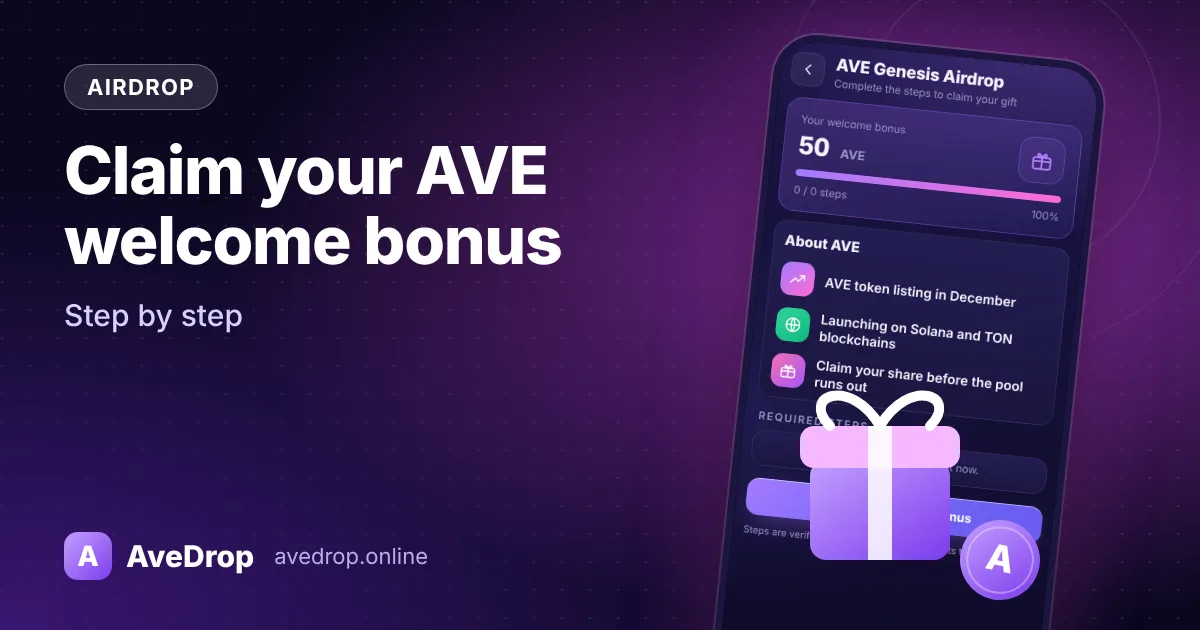
Every new AveDrop user can claim a welcome bonus of AVE. The amount is the same for everyone and is shown on your Home screen.
Step 1: Open the bot
Open @AveDrop_Bot in Telegram and tap Start, then open the mini app. Your wallet is created automatically.
Step 2: Open the Reward Center
On the Home screen you will see your welcome bonus card with a progress bar and a list of Required steps.
Step 3: Finish each required step
A step might be joining the AveDrop Notice channel. Tap the step, complete it, and come back. Each finished step shows Done. Steps are verified by AveDrop, so skipping one will leave the button locked.
Step 4: Claim
When all steps are done, the Claim button unlocks. Tap it and the AVE is added to your wallet right away.
If the button stays locked
- Check that every step shows Done.
- If a step is joining a channel, make sure you are still a member and did not leave.
- Close and reopen the mini app so the status refreshes.
- Still stuck? Write to support@avedrop.online.
After you claim
Invite friends with your referral link. When a friend claims, you receive AVE and bonus spins. You can also stake your AVE to receive daily USDT rewards.