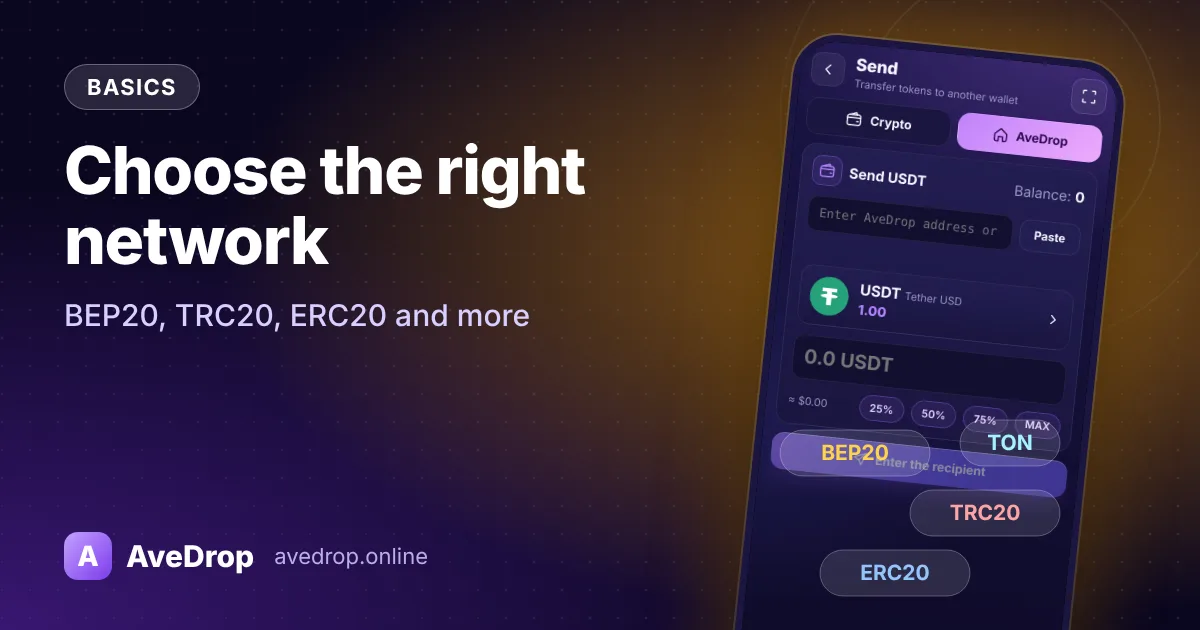
A network is the blockchain a token travels on. The same token, like USDT, can exist on several networks. The address you send to belongs to one network, so the network you pick must match it.
The common networks
- BNB Smart Chain (BEP20): addresses start with 0x. Usually low fees.
- Ethereum (ERC20): addresses also start with 0x, but fees are usually higher.
- TRON (TRC20): addresses start with T.
- TON, Solana and Bitcoin each have their own address style.
The most common mistake
BEP20 and ERC20 addresses look the same. If you send on one network to an address that expects the other, the funds can be lost and cannot be recovered. Always ask the receiving wallet or exchange which network its address uses.
Before every withdrawal
- Open the receiving app and choose Deposit.
- Pick the same network you will use in AveDrop.
- Copy the address using the Paste button in AveDrop instead of typing it.
- Check the first and last characters.
- Send a small test amount first.
AveDrop shows a warning on the send screen: send only on the network you pick. A wrong network or wrong address means the funds are lost and cannot be recovered.
Open AveDrop in Telegram