
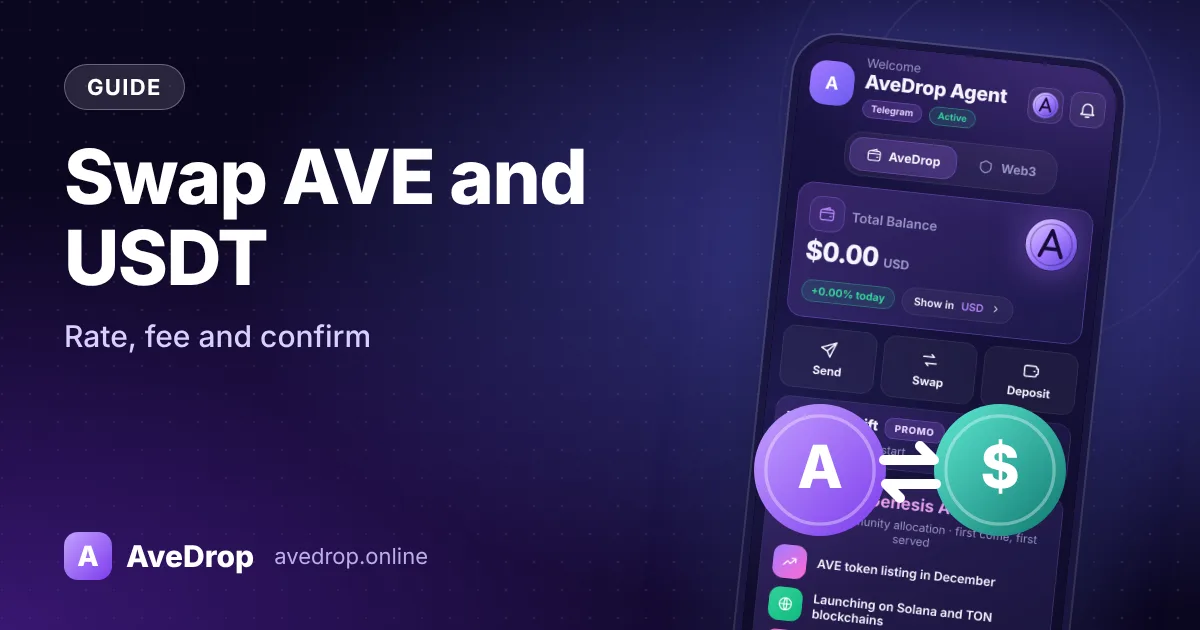
Swapping lets you exchange one token in your wallet for another without leaving Telegram. In AveDrop you can swap between AVE and USDT.
Step 1: Open Swap
From the Home screen tap Swap. You will see two boxes: the token you give and the token you receive.
Step 2: Choose the amount
Type the amount you want to swap, or use the quick buttons. The app shows how much you will receive before you confirm.
Step 3: Check the rate and the fee
Look at the rate and any fee shown on the screen. The AVE rate inside the app is set by AveDrop and can change, so it is not the same as a market price.
Step 4: Confirm
Tap Confirm. Your balances update straight away and the swap appears in your History.
Some features, including swapping, may need you to have staked AVE first. If a button is locked, the app tells you why.
Good habits
- Swap a small amount first if you are new.
- Never swap because someone in a chat told you to.
- Remember that swaps cannot be undone.