
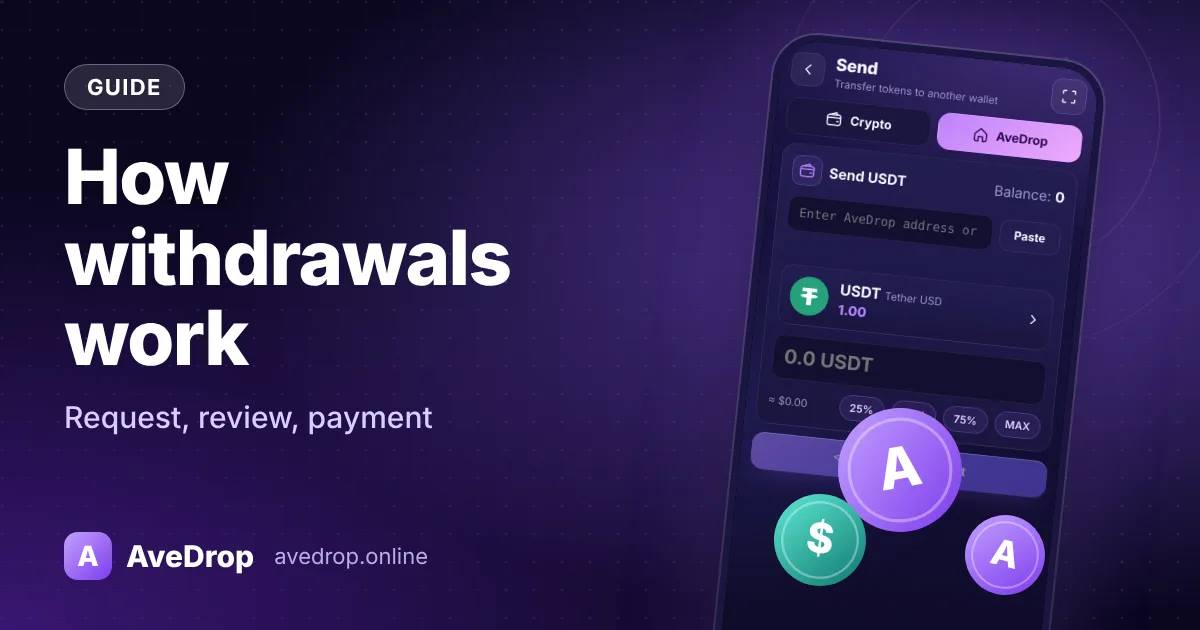
You can withdraw supported tokens from AveDrop to your own wallet or exchange address. Because AveDrop is custodial, withdrawals are reviewed before they are paid. This protects every user.
Step 1: Open Send and choose Crypto
From the Home screen open Send, then the Crypto tab. Pick the token you want to withdraw.
Step 2: Add the address and the network
Use the Paste button to add the address, then choose the network. The network must match the receiving address. If you are not sure, read our guide on choosing the right network.
Step 3: Enter the amount and confirm with your PIN
Check the amount, the fee and the minimum shown on the screen. Then confirm with your PIN.
Step 4: Review and payment
Your request appears in History as pending. Our team checks it and either approves and pays it, or rejects it. When it is paid, the receipt shows the transaction hash if one is available. You can use it to follow the payment on a block explorer.
What the statuses mean
- Pending: waiting for review.
- Approved or Paid: sent to your address.
- Rejected: not paid. Your balance is returned to you.